
Samsung Electronics has officially introduced the Samsung Galaxy A37 5G, placing a strategic emphasis on an enhanced, highly intelligent camera system. The device is custom-engineered for consumers demanding crisper, cleaner, and more professional photographic results across a broad spectrum of challenging lighting conditions.
50MP Main Camera with Ultra-Sharp Detailing
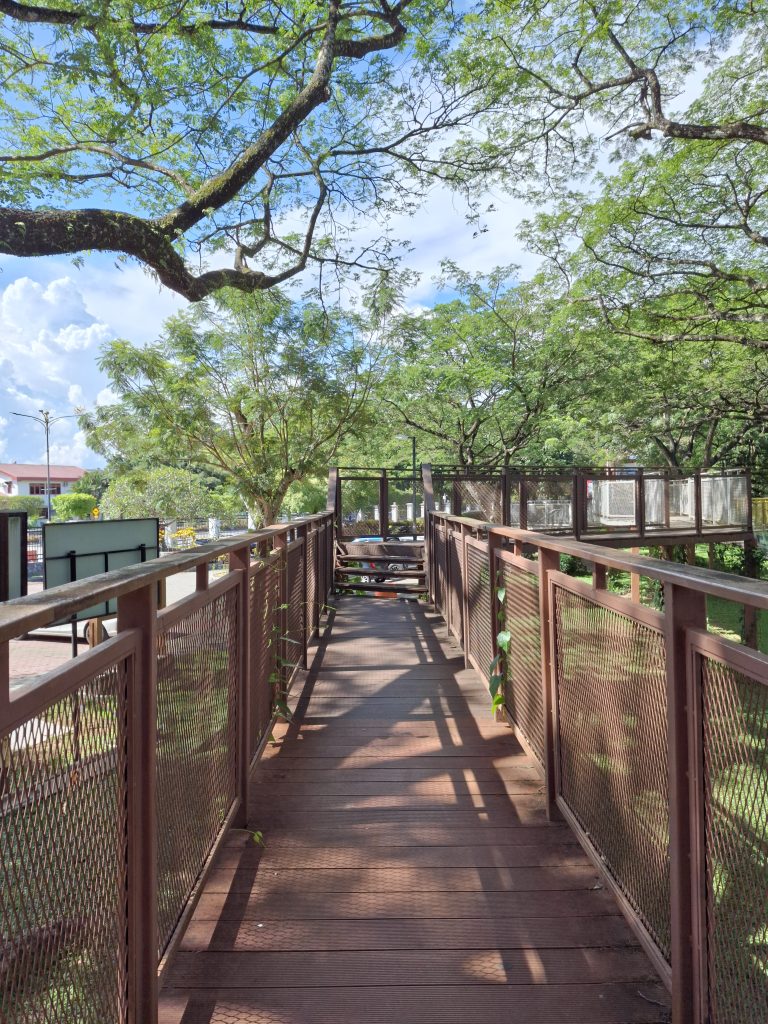
The centerpiece of the Galaxy A37 5G is its 50MP primary sensor equipped with hardware-level Optical Image Stabilization (OIS). By actively counteracting physical hand tremors and micro-movements, the OIS mechanism ensures that images remain consistently stable and free from motion blur.
This hardware implementation delivers significantly sharper resolving power under daylight and moderate low-light environments, giving casual users the ability to capture pristine shots without requiring a perfectly steady grip.

Triple-Camera Array for Complete Focal Versatility
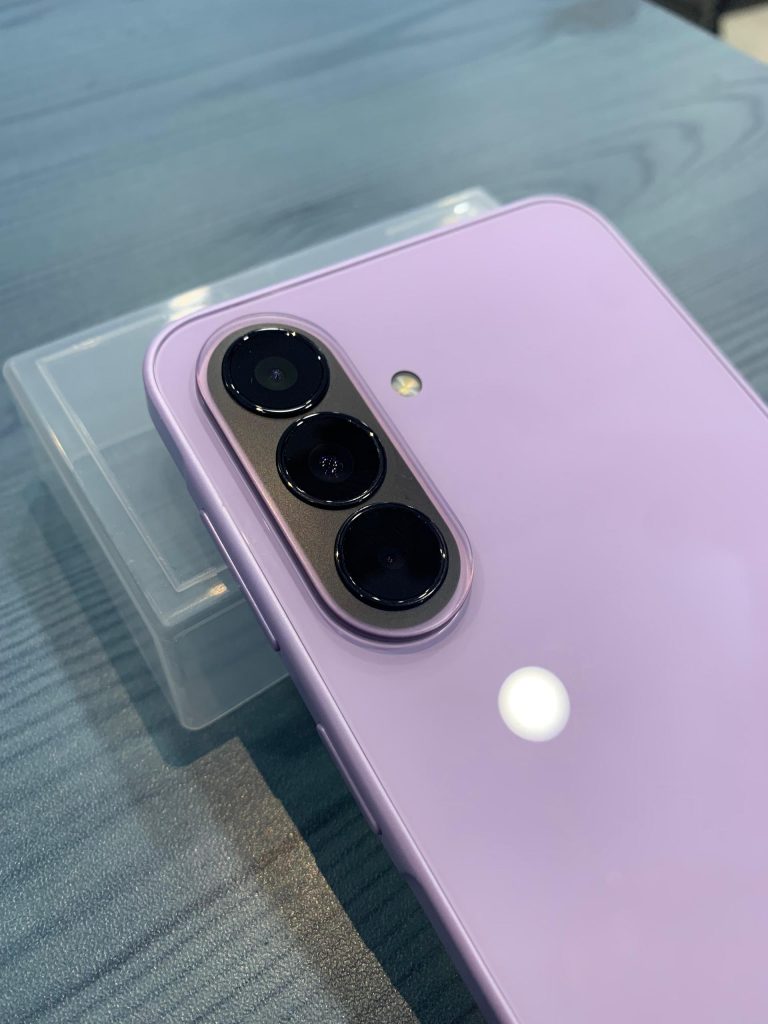
Beyond the high-resolution primary sensor, the device integrates an 8MP Ultra-Wide camera alongside a 5MP Macro lens. The 8MP sensor allows users to effortlessly capture sweeping landscapes and wide group portraits without cropping out vital context, while the dedicated 5MP macro lens resolves intricate details on close-up subjects.
This versatile multi-focal setup provides comprehensive flexibility, enabling users to adapt seamlessly to any photographic scenario.

Intelligent Front Camera and Studio-Grade Portrait Mode
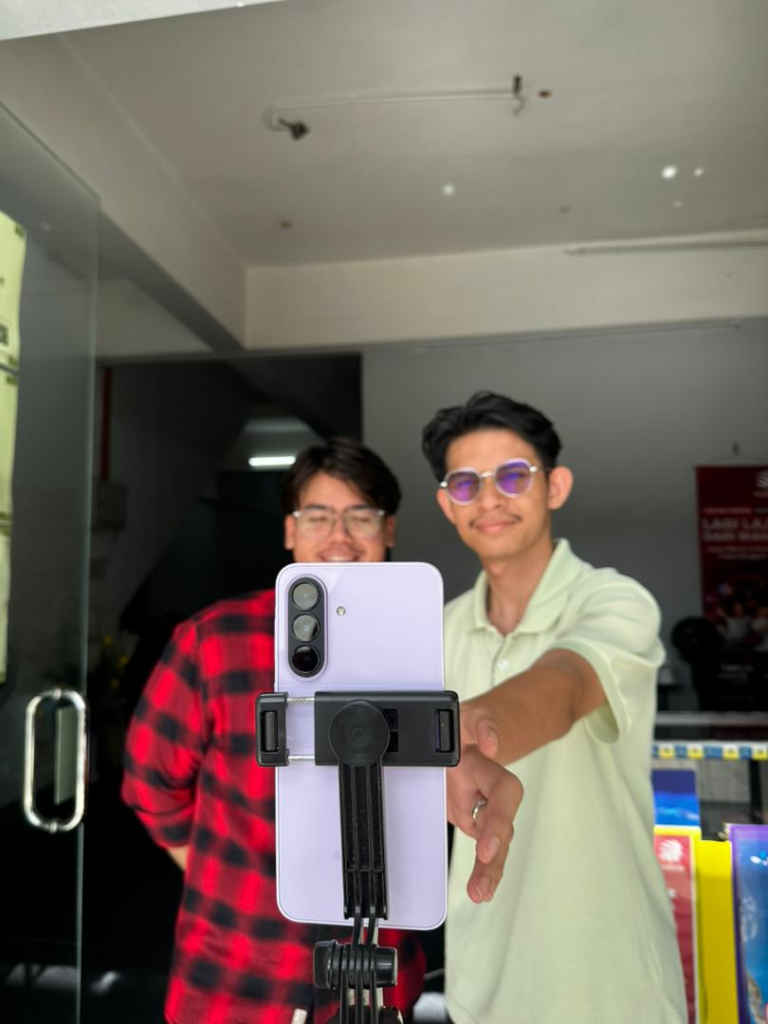
The front-facing camera features a refined 12MP sensor engineered specifically to prioritize color fidelity and lifelike textures over simple pixel inflation. Backed by an advanced AI Portrait engine, the system renders a highly precise depth map, separating the subject from the background with smooth, progressive bokeh that avoids looking artificial or poorly masked.
Skin tones are carefully balanced to maintain natural warmth and vitality, preventing the over-processed or pale aesthetic common in mid-range front cameras. Whether capturing casual moments, high-quality OOTD content, or engaging in high-definition video conferencing, the output remains exceptionally sharp and visually pleasing for modern social media creators and remote professionals.

Advanced AI-Powered Shadow Removal
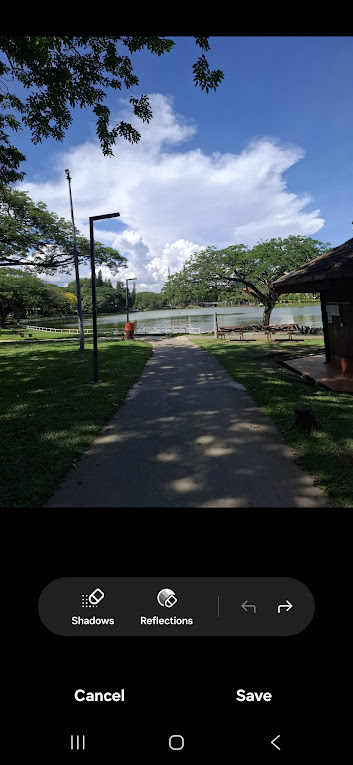
A definitive technical upgrade in the Galaxy A37 5G is the deep integration of a smart AI processing layer capable of automatically detecting and neutralizing harsh, unwanted shadows within an image. This feature dynamically balances localized exposure, ensuring the primary subject remains clean, evenly illuminated, and clear of obscuring shadows, effectively eliminating the need for tedious manual post-processing.
- BEFORE: Harsh contrast, localized under-exposure, obscuring shadows.
- AFTER: Balanced illumination, clean subject detail, seamless shadow correction.

AI Nightography and Dynamic Color Optimization
Samsung has substantially overhauled its low-light computational algorithms through its proprietary Nightography architecture. The AI subsystem operates in real time during night captures, working not only to mitigate motion and shutter-induced blur but also to intelligently recalibrate luminance and color accuracy. The resulting low-light images look remarkably natural and bright, successfully suppressing digital noise and grain without introducing artificial artifacts.
An honest last take on the phone, if you want a dependable mid-range phone that delivers clean, professional-looking photos straight out of your pocket, the Galaxy A37 5G is a compelling choice. In Malaysia, the retail price between RM1,799 and RM1,999 depending on storage.
You can buy it at Samsung Experience Stores, authorized dealers, the Samsung Online Store, or via Shopee and Lazada.